For iPhone and iPad
A quiet place to write.
Open it and you're already writing. Every note is a plain Markdown file on your iPhone. No account, no cloud, no noise.
- Left out on purpose
NotificationsBadgesAI on the writing pageSubscriptions
Coming soon to the App Store
Read the guide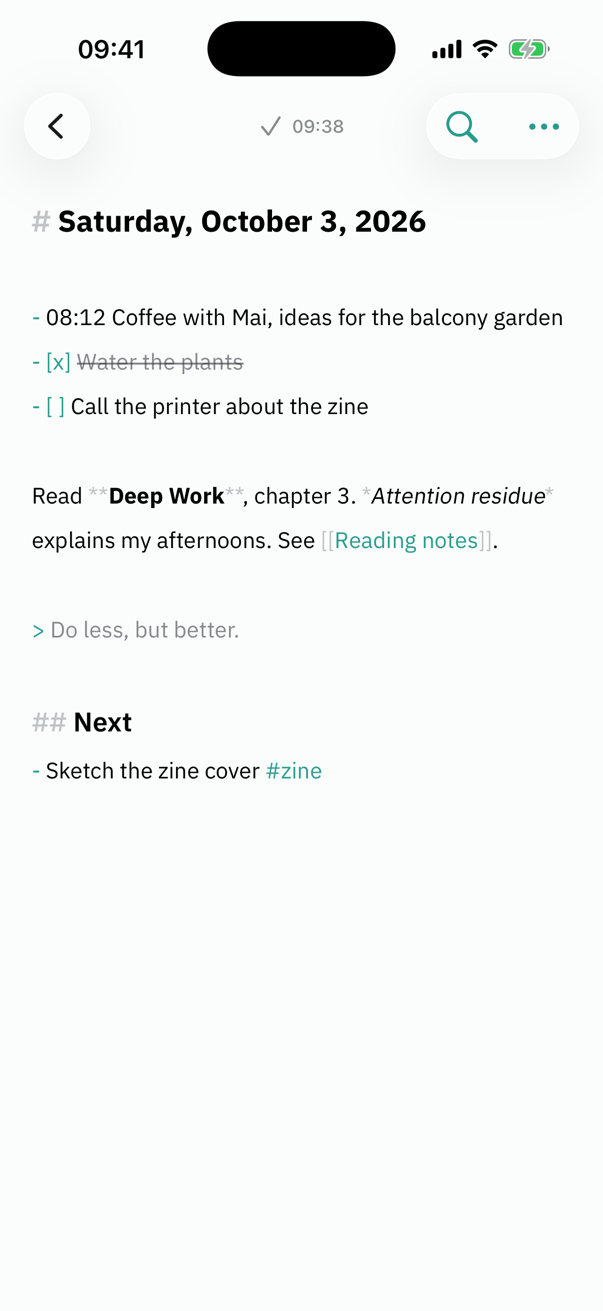
Everything a thinking person needs. Nothing that interrupts.
Write the moment you open it
Stillmark Note opens straight to today's note with the cursor ready. Add a thought from Siri, a widget, Control Center or the Action button without opening the app at all.
Your notes are your files
Every note is a plain .md file you can see in the Files app and open anywhere. Bring notes over from Obsidian, Bear or Notion, and take them all with you any time.
Never lose a word
Nothing is ever overwritten. Thirty days of version history, a trash that keeps whole folders with their images, and an automatic backup to the folder you choose.
Finds anything, even in Thai
Search finds words inside longer Thai, Chinese and Japanese words, knows that condo and ห้องชุด mean the same, and quotes the exact lines that answer your question.
Organized by action
Projects, Areas, Resources and Archives give every note an obvious home. A weekly review and one list of open tasks keep it that way, only when you ask.
Private by design
No account, no tracking, no network connections. Your notes stay on your device. This website doesn't track you either.
Calm on every screen
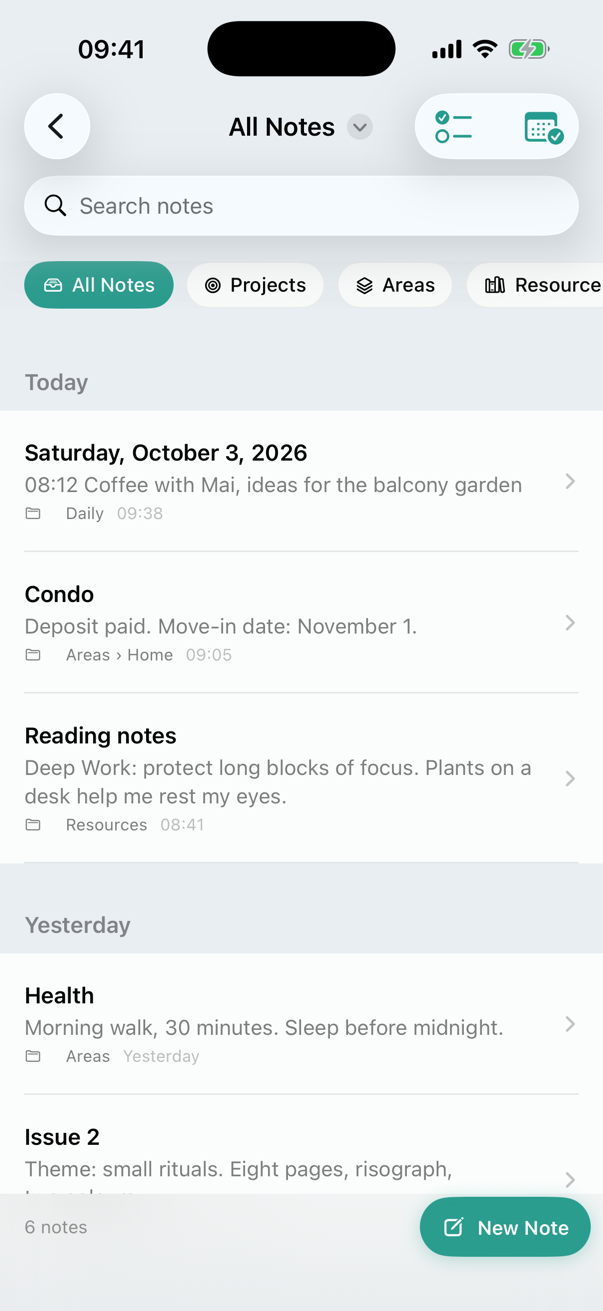
Every note has a home 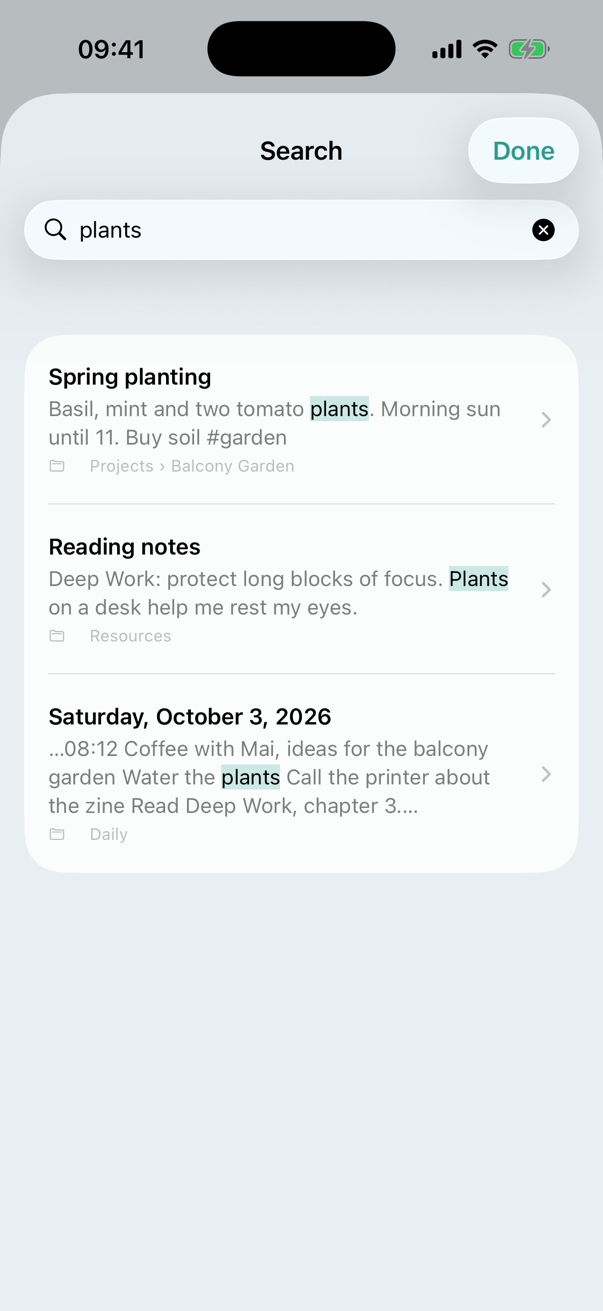
Search that understands Thai
Buy once. Keep it.
One price, no subscription, every update included. Stillmark Note runs entirely on your device, so there is nothing to rent.
The price in your currency is shown on the App Store.
Questions
Is there a subscription?
No. You buy Stillmark Note once and keep it, with every update.
Where are my notes kept?
On your device, as plain Markdown files. Open the Files app, then On My iPhone › Stillmark Note.
Does it sync between my devices?
Not yet. Turn on Automatic Backup to keep a copy in iCloud Drive or another folder you choose.
Does it use AI?
There is no AI on the writing page. Search and Quotes run on your device and only ever show what you wrote.
Which languages does it speak?
English, Thai, Simplified Chinese and Japanese, and search works well in all four.
What do I need?
An iPhone or iPad with iOS 17 or later. Control Center buttons need iOS 18.